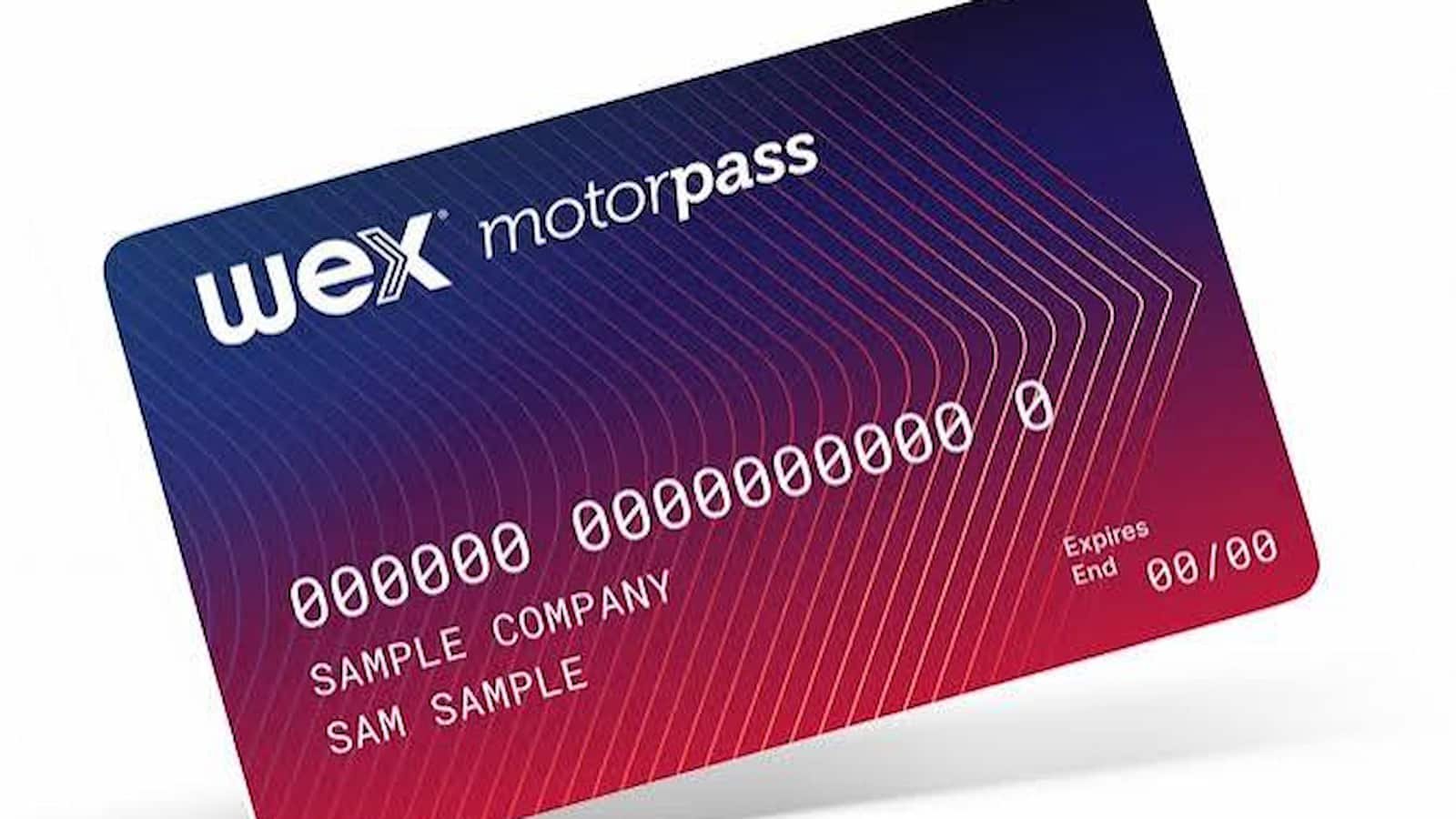
Motorpass Fuel Card Activation: Have you received a new WEX Motorpass fuel card? Before trying to use it, check whether the card needs activation. WEX Motorpass says that not every card needs to be activated. When activation is needed, the welcome letter that comes with the card gives the activation details.
The card can be activated online through the WEX Motorpass account or by phone. Both the account holder and the cardholder have a phone activation option. The activation code in the welcome letter is valid for 30 days from the date the letter was issued.
How to Activate Joker Visa Card and Check Balance at jokercard.ca
How to Activate Motorpass Fuel Card Online?
- Sign in to your WEX Motorpass account and go to the Cards section. Select Activate Cards if a card is waiting for activation.
- Find the new card you want to activate and select it from the list.
- Type the activation code from your welcome letter. The code is valid for 30 days from the date the letter was issued.
- If your code is lost or expired, select Get New Card Activation Code. Complete two-factor authentication to receive a new code, which is also valid for up to 30 days.
How to Activate WEX Motorpass Card by Phone?
For Account Holders
An account holder can call 1300 110 920 to activate the card. Keep the account number, card number and mobile number linked to the account ready. During the call, a verification code is sent by SMS to the registered mobile number. You will also need the activation code from the card’s welcome letter.
For Cardholders
A cardholder can also call 1300 110 920. You will need the card number, a verification code from the account holder and the activation code from the welcome letter. Remember that the welcome-letter activation code expires after 30 days.
Netspend All-Access Card Activation: How to Activate Your Card
What if Your Motorpass Card Does Not Activate?
A missing Activate Cards button usually means there are no cards waiting for activation. You can also check card status from the Cards section of your online account by filtering the cards as active, inactive, pending or all.
- Check if your account has gone over its set spending limit, as WEX does not allow a card to be activated while the account is over the limit.
- Make a payment if needed to bring the account back within its spending limit.
- After activation, check whether the card needs a PIN for transactions.
- Account holders can check the PIN setting by going to Cards, then Select Card, then PIN Settings.