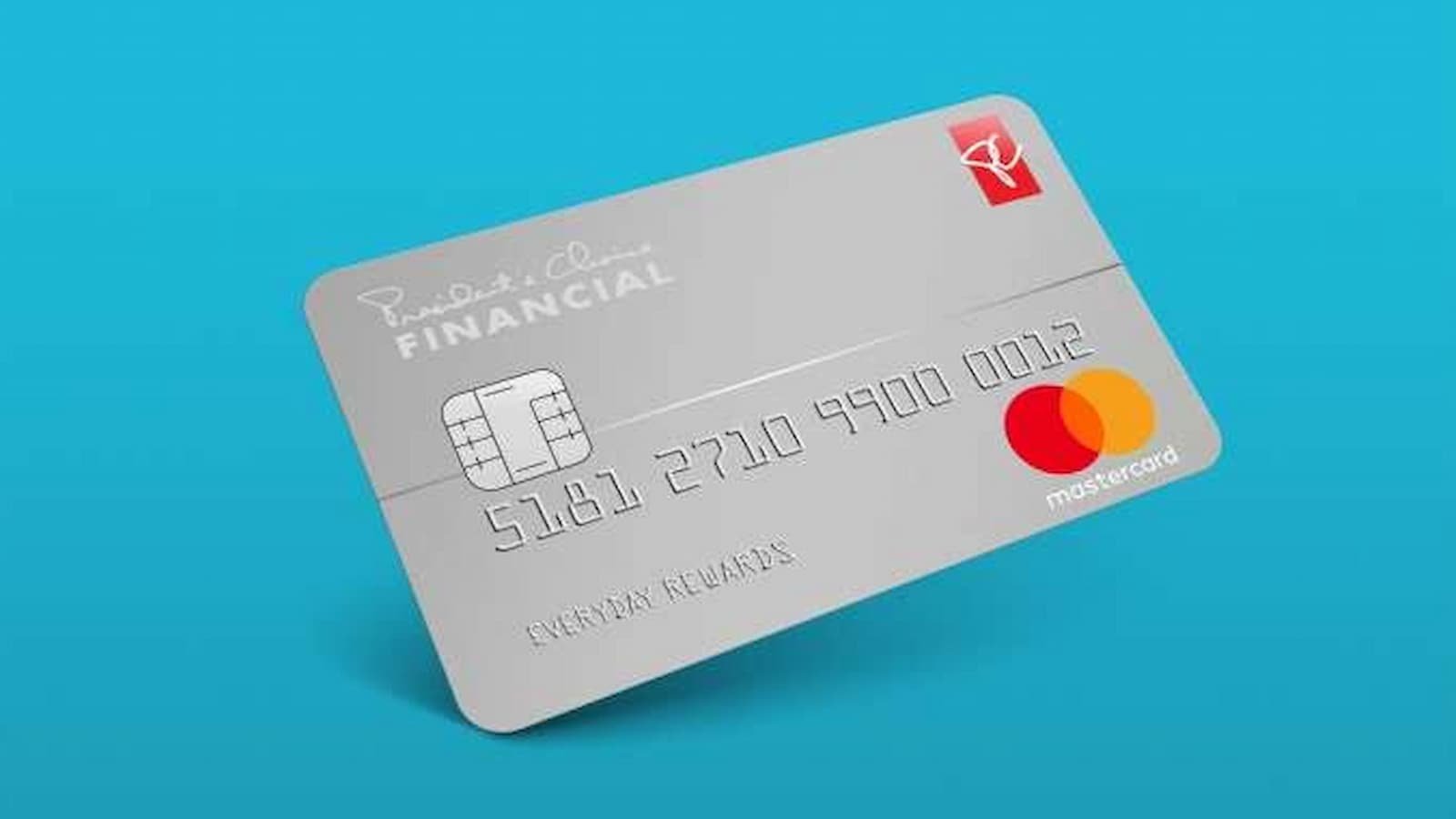
PC Financial Credit Card Activation: Getting a new PC Financial Mastercard is exciting, but you cannot start using the new card until it has been activated. The activation process is simple and can be done through PC Financial’s online banking service. PC Financial also has a mobile app that lets customers manage their card and account in one place. The bank says a card activation code is no longer needed, which makes the process easier than before.
How to Activate Your PC Financial Mastercard
- Go to the official PC Financial website and sign in to your online account. PC Financial Login
- Open your PC Mastercard account and find the card management or activation section.
- Select the option to activate your new card and follow the instructions shown on the screen.
- When you activate the card, you will need to set a PIN.
- Do not choose an easy PIN such as your birthday or phone number.
- Do not use the same PIN that you use for another account.
- Keep your PIN private and do not share it with other people.
How to Activate Aetna Nations Benefits Card at aetna.nationsbenefits.com in 2026
Activate and Manage Your Card Through the App
PC Financial also has a mobile app that you can use to manage your Mastercard. After setting up your account, you can use the app for many daily card tasks. You can check your account, view your recent transactions and manage your card settings.
You can also use the online banking service to keep track of your spending and account details. Your PC Financial account can be managed through the website or mobile app, so you can handle many banking tasks without visiting a branch.
What to do if your Card is Not Activating?
If you have trouble activating your card or cannot access your account, you can contact PC Financial for help. The current PC Financial Mastercard agreement lists 1 866 246 7262 as the Customer Contact Centre number. For account-related questions, it is better to contact PC Financial by phone or through the secure website instead of sharing your account details by regular email.
After activating your card, keep your card number, PIN, password and other security details private. Do not share them with anyone. If your card is lost or stolen, you can use PC Financial’s digital banking services to manage your card and help keep your account safe.
Chime Card Activation: How to Activate Your Credit or Debit Card
PC Financial Mastercard Activation Details
| Activation Guide | PC Financial Mastercard |
|---|---|
| Online Login | PCFinancial.ca |
| Mobile App | PC Financial App |
| Customer Service | 1 866 246 7262 |
| Activation Code | Not required |
| PIN | Set during activation |