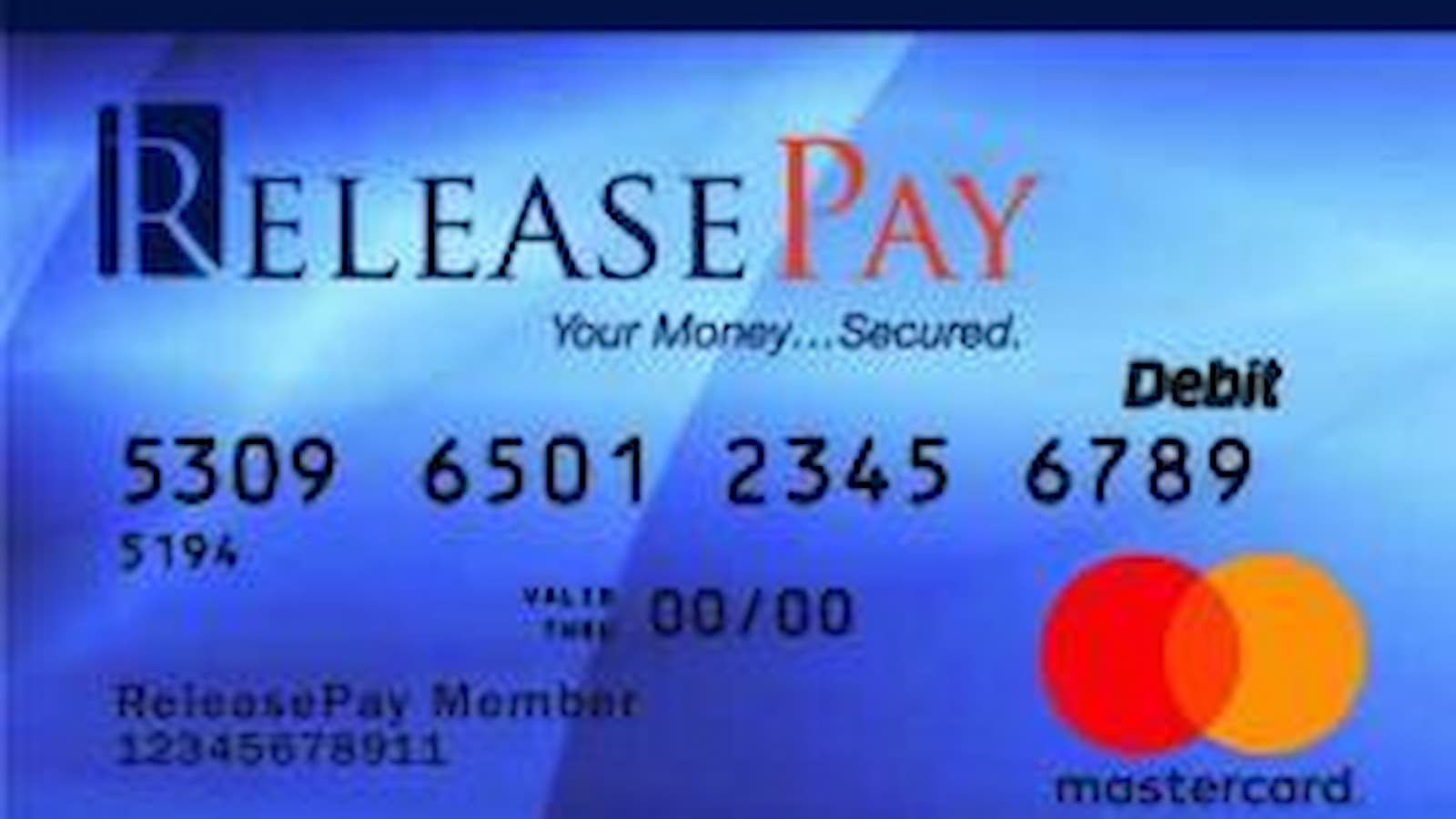
ReleasePay Card Activation: Release Pay gives users several ways to receive their money, including a prepaid debit card, ACH, or a paper check. The Release Pay card isn’t active when you receive it. You need to activate it before using it. In 2026, the official Release Pay website says you can activate the card online or by calling 833-644-0714.
| Company | ReleasePay |
|---|---|
| ReleasePay Login | https://core.rapidefund.com/ |
| Contact Number | 877-287-2448 |
What is ReleasePay?
Release Pay is a service that gives people different ways to get their funds. Depending on the payment, users may get the money through a card, ACH transfer or paper check. The prepaid card can be used anywhere Mastercard® is accepted. Release Pay also lets registered card users manage their funds online and use transfer options.
First Entertainment Card Activation: Online Steps, Phone Number and More
A card isn’t ready for spending as soon as it arrives. Release Pay’s current FAQ clearly says, “No. You must activate your card. Activate it by calling 833-644-0714 or online.”
Things Needed Before Card Activation
Before starting, keep your Release Pay card nearby and make sure you have an internet connection. You should also have access to the information requested during registration or activation.
If you haven’t registered your card yet, registration can give you extra ways to manage your funds. Release Pay says a registered card can also be used for fund transfers and other account options.
How to Activate a First Phase Card: Step-by-Step Guide for 2026
How to Activate Your ReleasePay Card Online
- Go to releasepay.com and look for “CLICK TO ACTIVATE YOUR CARD.”
- Open the activation page and follow the steps shown.
- Enter the card details asked for and complete the process.
- You can also activate your Release Pay card by calling 833-644-0714.
- Follow the instructions given during the call.
Once your card is activated, you can use it for purchases wherever Mastercard® is accepted.
How to Use Your Card
- Everyday Use: Release Pay cards can be used for regular purchases and ATM withdrawals. You can use the card as credit or debit. Debit payments need your PIN. Release Pay says using credit may help avoid some transaction issues.
- Check Your Balance: You can check your card balance online or call the toll-free number written on the back of your card. These balance checks are available 24/7 and don’t cost anything.
- At Gas Stations: It’s better to go inside the gas station and tell the attendant how much you want to pay instead of using “Pay at the Pump”
- At Restaurants: Some restaurants may authorize up to 25% more than your bill to cover a possible tip. Keep enough money on your card so the payment doesn’t get declined.
Benefits of Using the ReleasePay Card
The card can be used at Mastercard® locations around the world. Registered users may also get more ways to access or transfer their funds. Release Pay currently lists options such as Instant Transfer, PayPal®, Venmo®, gift card redemption and charitable donations for registered users.
You can also use the card for ATM withdrawals, but ATM fees may apply. The official FAQ warns users not to keep trying after a declined ATM transaction because more than one fee could be charged.
What is the process for setting my new card’s PIN?
Release Pay says you can set or reset your PIN by calling the number on the back of your card. You may need the PIN when using the card for debit purchases.
Can I use my card as a credit or debit card?
Yes. The Release Pay FAQ says the card can be used as either credit or debit. Credit transactions use your signature while debit transactions use your Personal Identification Number (PIN). Release Pay also recommends using credit for the best success.
First Entertainment Card Activation: Online Steps, Phone Number and More
Security Tips for Your ReleasePay Card
- Always keep track of the money left on your card before shopping or using an ATM.
- Don’t keep entering the wrong PIN. Release Pay’s support page says users can contact customer service for issues such as a blocked account, a forgotten PIN or three incorrect PIN attempts.
- If your card is lost or stolen, contact Release Pay right away. A registered card can be turned off to help stop unauthorized access.
- Your card also has an expiration date on the front. Once it expires, the card is deactivated, but your funds can still be accessed by contacting Release Pay.
How to Activate Your CommBank Debit Card Online: Complete Step-by-Step Guide
What are the Common Issues that Users Face with ReleasePay Card?
An expired card can’t be used and will need attention from customer support. A blocked account or several wrong PIN attempts can also stop card use. For these problems, Release Pay asks customers to contact support at 877.592.1118 or use the support form.
A lost card should be reported as soon as possible. If you don’t receive a card, the correct way to access your money depends on the type of payment you were sent. Release Pay says users should check the notification or payment documents they received for the right instructions.