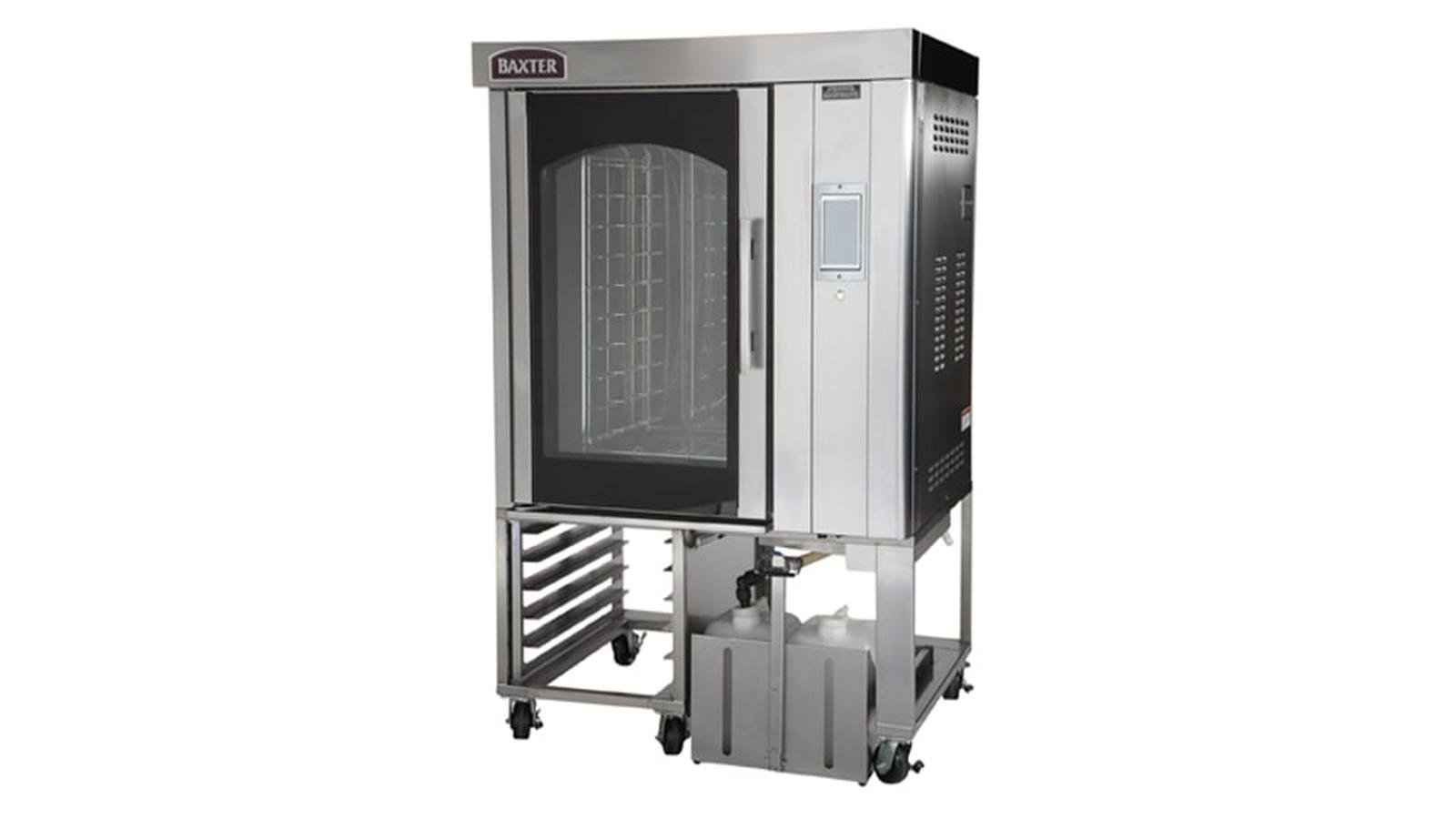
Baxter Oven Not Working: When your Baxter commercial oven inexplicably quits heating, refuses to power on at all, or spits out error codes, even the most organized and fast-paced kitchen can grind to a halt. Don’t let an oven malfunction convince you the worst has happened; often, you can solve an oven problem without requiring the full purchase of a costly main component. Solutions vary depending on the model.
As the current Baxter documentation features several different oven series, including the OV500, OV520 rotisserie (rotating rack) ovens, and the OV310, OV320 miniature rack ovens, your specific oven will have its own particular repair method.
Why Is My Baxter Oven Not Working?
Common reasons a Baxter oven may stop working include:
- Power supply or circuit-breaker problems
- A door that is not fully closed
- Heating-system faults
- Gas supply or ignition problems on gas models
- Convection-fan problems
- Temperature-sensor failure
- Rack or pan jams
- High-temperature safety shutdowns
- Hood ventilation or pressure-switch problems on applicable gas models
- Electronic control or communication faults
Some Baxter models also display error codes that help identify the problem. The OV520 Smart Touch documentation, for example, lists specific codes for heating, fan, rack movement, ventilation and electronic faults.
1. Check Whether the Baxter Oven Has Power
If the control panel is completely blank, start with the basics.
Check whether:
1. The oven’s main power supply is switched on.
2. The appropriate circuit breaker is on
3. The emergency or main disconnect, where fitted, has not been activated.
4. The control panel shows no signs of power.
Do not repeatedly reset a breaker that immediately trips again. A recurring electrical trip can indicate a fault that needs professional attention.
2. Make Sure the Oven Door Is Fully Closed
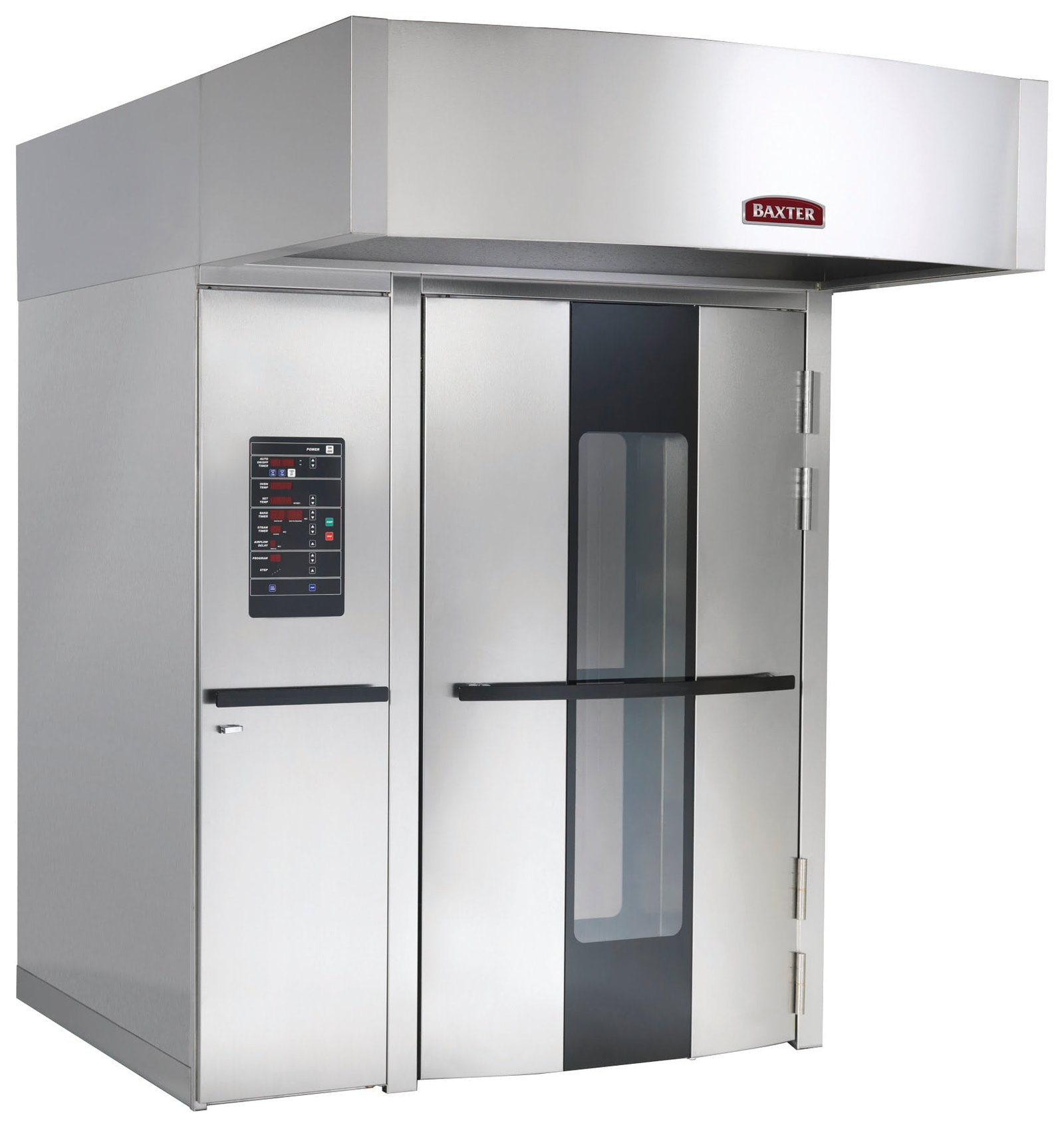
A partially open loading door can prevent normal operation on Baxter rack ovens. The OV520 manual specifically lists E85: Close Loading Door. If the door is closed but the error remains, Baxter recommends contacting an authorized service technician rather than bypassing the door-related safety system.
Check for:
- Food or debris around the door
- An obstruction preventing the door from closing
- A damaged door seal
- A door that appears closed but is not engaging the safety mechanism
- Do not tape, wedge or otherwise defeat a door interlock.
3. Baxter Oven Is On but Not Heating
This is one of the most common complaints.
First check that the oven has actually been set to a cooking temperature and that a cooking cycle has been started.
If the controls are working but the temperature does not rise normally, the problem may involve the heating system, burner, ignition system, temperature sensor or a safety limit.
For the OV520, Baxter identifies several heating-related errors:
- E5: Manual-reset high-temperature limit has tripped
- E6: Rollout switch has tripped on applicable gas ovens
- E10: Oven is heating slowly
- E11: Oven is heating slowly
- E8: Temperature-sensor failure
- E9: High temperature detected
Several of these conditions disable heating and require an authorized service technician.
4. Gas Baxter Oven Will Not Ignite
Gas models require both an adequate gas supply and a functioning ignition/safety system.
Baxter’s OV310 manual instructs operators, in the event of a burner not lighting, to turn the oven off, wait five minutes, verify that the gas shutoff valve is ON, and then try turning the oven back on. If it does not light on the second attempt, the manual says to turn the gas shutoff valve OFF and contact an authorized service agency.
If you smell gas:
- Do not keep trying to ignite the oven.
- Turn off the gas supply if it is safe to do so, avoid creating sparks or flames, leave the area if necessary, and follow your facility’s gas-emergency procedure.
- Gas-system repairs should be handled by appropriately qualified personnel.
5. Check the Convection Fan
The convection fan is essential to proper heat circulation. If the fan isn’t operating, the oven may not cook correctly or may shut down heating as a protective measure.
On the OV520, E15 indicates a convection-fan error. Baxter describes this as the fan overheating, with the motor timing out and heat being disabled. The manufacturer’s recommended action is to contact an authorized servicer.
If the fan is making unusual noises, repeatedly stopping, or not running when it should, don’t continue operating the oven indefinitely.
6. Check for a Rack or Pan Jam
Baxter rotating rack ovens contain moving rack mechanisms, so an obstruction can stop the rotation system.
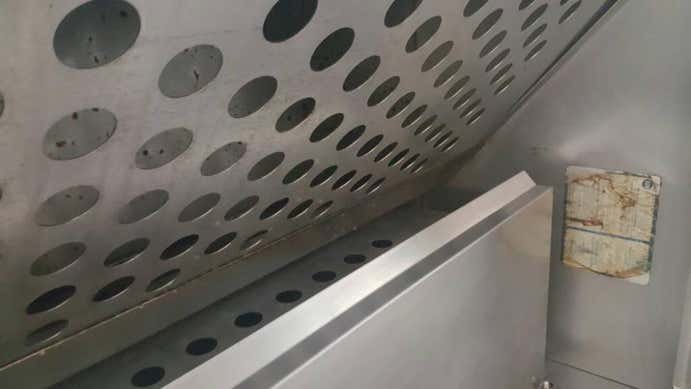
For the OV520, E35 indicates a rack-rotation motor error. Baxter instructs operators to open the loading door and check for a rack or pan jam. If there is no obstruction or the problem continues, the oven should be serviced.
Before inspecting the rack:
- Stop the cooking cycle.
- Follow the operating manual for your model.
- Keep hands away from moving mechanisms.
- Never attempt to force a jammed rack.
Wyze Cam Not Working: Complete Troubleshooting Guide To Fix Common Problems
7. Baxter Oven Displays an Error Code
Don’t ignore an error code. It can provide useful information about what has stopped working.
Some important OV520 codes include:
- E5: Contact authorized service
- E6: Rollout switch tripped; gas models
- E8: Temperature sensor failure
- E9: High temperature detected
- E10: Oven heating slowly
- E11: Oven heating slowly
- E15: Convection fan error
- E25/E26/E27: Rack-lift or limit-switch errors
- E35: Rack rotation motor error
- E75/E76: Hood ventilation error on gas models
- E85: Loading door not detected closed
- E95: Electronics overheated
These codes are from Baxter’s OV520 operator documentation; error codes are model-specific, so don’t assume the same code means the same thing on another Baxter oven.
8. Baxter Oven Shuts Down Because of High Temperature
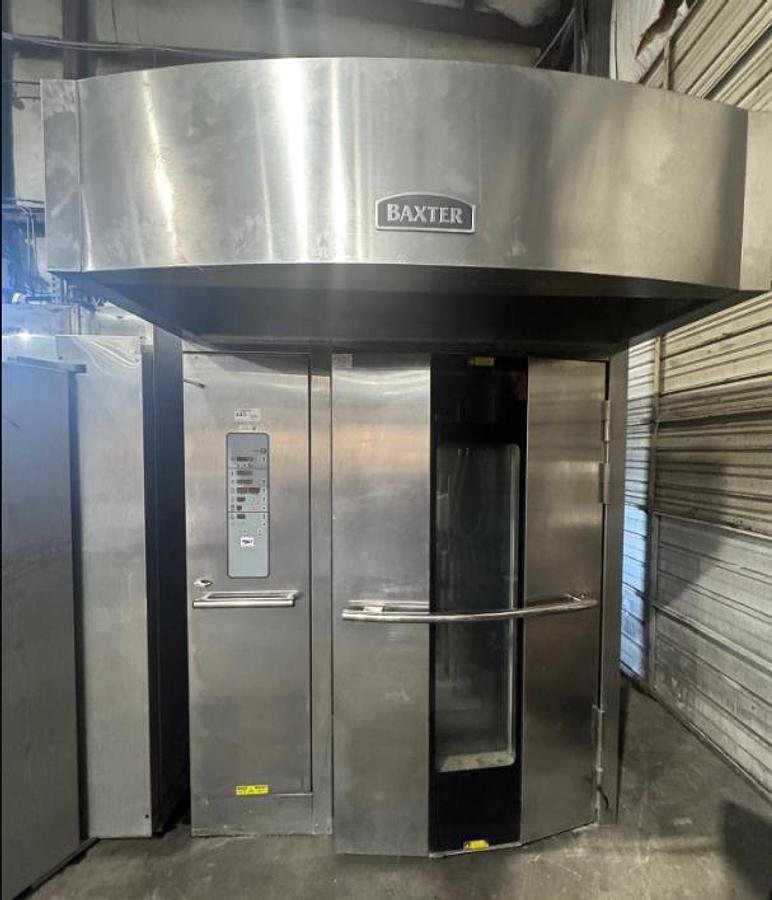
A Baxter oven may shut down or disable certain functions if an unsafe temperature is detected.
For example, the OV310 documentation describes a safety alarm that activates when the probe temperature reaches approximately 570–600°F for 10 seconds. The oven shuts off its functions, sounds an alarm and displays a shutdown message. Baxter instructs operators to disconnect electrical power, follow lockout/tagout procedures and, for gas models, shut off the gas before contacting an authorized service office.
If your oven has experienced a high-temperature shutdown, do not simply keep restarting it. The cause should be investigated before normal operation resumes.
9. Oven Works but the Food Is Cooking Unevenly
There isn’t much sense in calling repair services if your Baxter oven is actually operating. But as Baxter’s OV310 manual advises, when there’s uneven baked food, a “shutter adjustment may be required. Refer to a service agency, franchisor and equipment supplier.” If you attempt to tinker with the airflow mechanisms without instructions, the problem could be worse after you’ve set the cooking time.
10. Baxter Oven Is Not Rotating the Rack
If the oven heats but the rack does not rotate, first check whether the cooking cycle has actually been started and whether the door is properly closed.
Baxter’s OV310 documentation notes that rack rotation does not occur when no cooking time is entered and started, and it also advises checking that the doors are properly closed.
For a rotating rack oven showing a rack-rotation error, inspect for an obvious rack or pan obstruction only when it is safe to do so. Persistent problems require service.
11. What If the Baxter Oven Display Shows “LOC OUT”?
Some Baxter models can display LOC OUT when the oven is in a lockout mode.
The OV310 manual identifies this message as Kosher Lock-Out Mode and directs operators to contact the local bakery service office.
Because operating modes vary by model and configuration, don’t try to defeat a lockout by changing internal settings.
12. When Should You Call a Baxter Service Technician?
Professional service is recommended when:
- The oven has no power after basic power checks.
- A breaker repeatedly trips.
- The oven repeatedly fails to heat.
- A temperature-sensor error appears.
- The convection fan fails.
- A gas burner repeatedly fails to ignite.
- A safety limit or rollout switch trips.
- A high-temperature alarm occurs.
- The rack lift or rotation mechanism fails.
- The oven displays a persistent error code.
- The control electronics appear to be overheating.
- You smell gas or suspect a gas-system fault.
Baxter currently directs customers to its service network for maintenance and professional equipment service. Its support resources also provide access to installation and operation manuals, parts support and service requests.
Baxter Oven Not Working: Contact Information
Official Baxter Food Equipment numbers
Baxter general sales/support:
- 1-800-333-7447
Baxter oven service / Hobart Service:
- 1-888-378-1338
International Sales / locating an international Baxter representative:
- 937-332-3000, ask for International Sales.