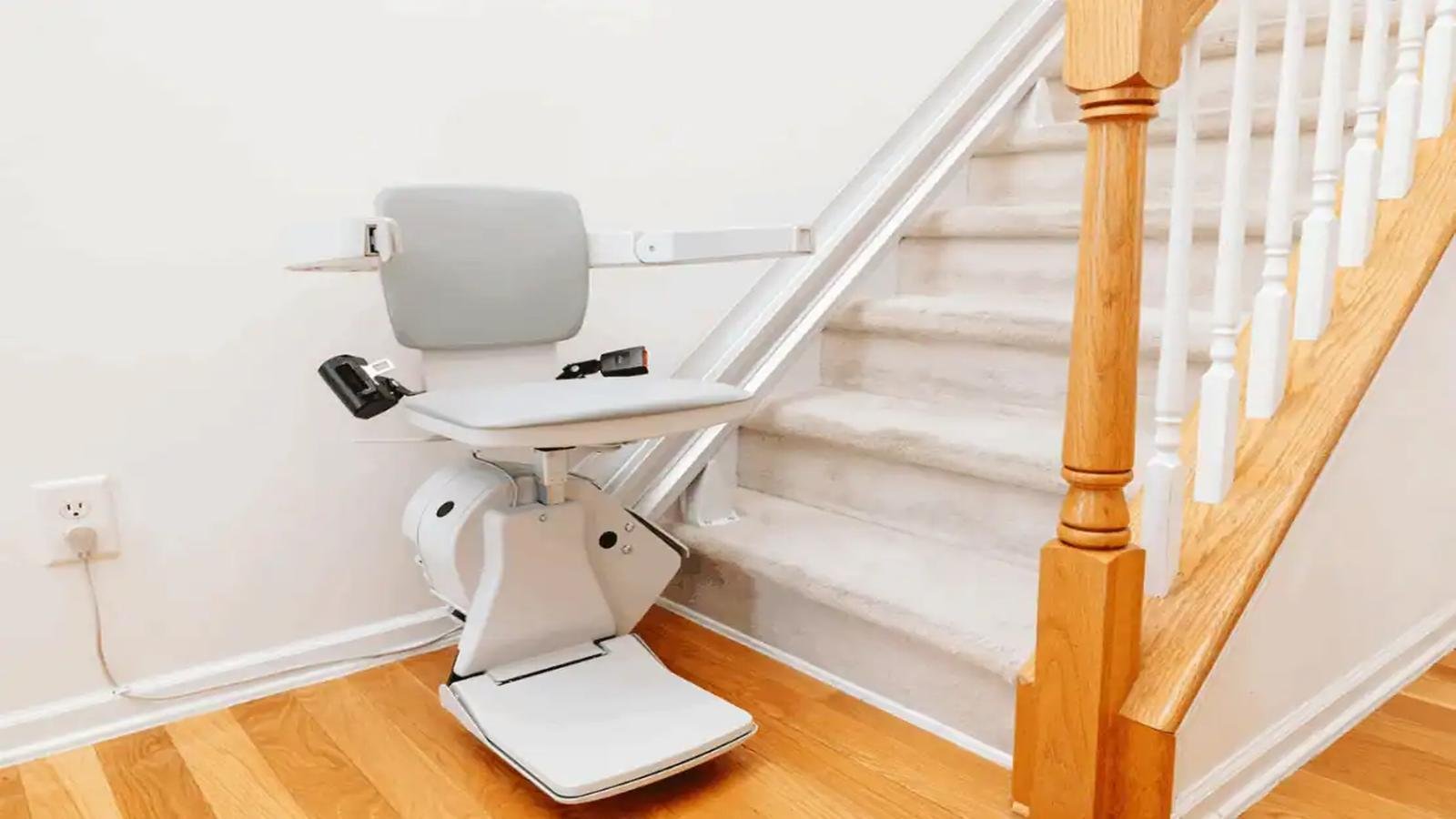
Harmar Stair Lift Not Working: If your Harmar stair lift has suddenly stopped, the reason might be something relatively simple, like a depleted battery, a circuit breaker that tripped, an obstruction along the rail, or the lift left parked away from its charging station. Harmar’s own troubleshooting guidance suggests checking those everyday issues first before arranging service, because often it is just that.
The exact troubleshooting steps can change a bit depending on the model. Harmar’s current line has things like the Pinnacle SL300/SL600, the Pinnacle HD and the Helix curved stair lift, so the indicator lights and the beep codes are not the same on every unit. Here’s what can be done simply to make it work!
Why Is My Harmar Stair Lift Not Working?
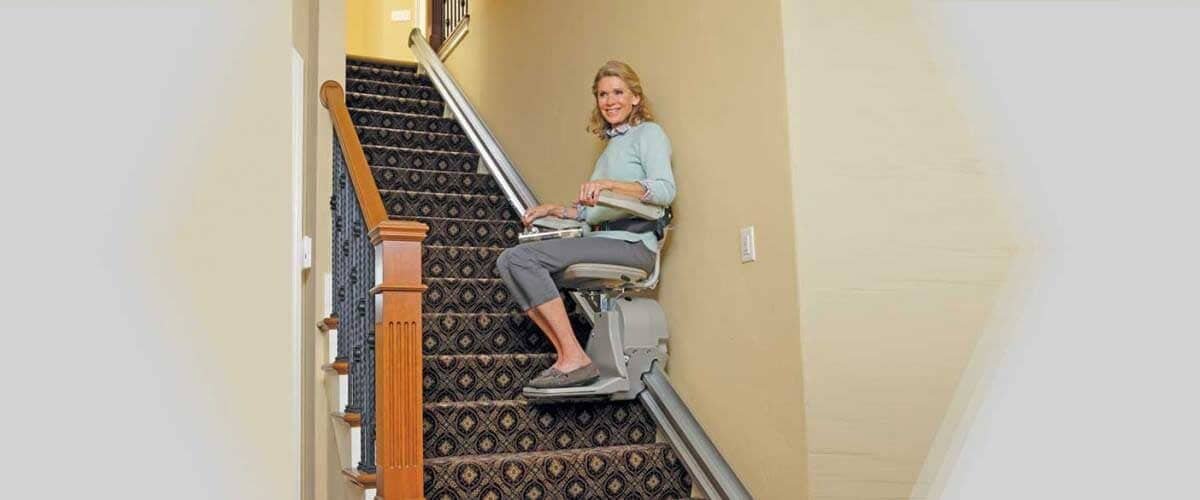
Common causes include:
- Dead or poorly charged batteries
- Power supply or circuit-breaker problems
- The lift being parked away from a charging station
- Something blocking the rail or triggering a safety sensor
- Seat, footrest or obstruction sensor activation
- A red fault indicator or diagnostic beep
- Loose or faulty electrical connections
- A mechanical or electronic fault
Harmar specifically advises checking the circuit breaker, battery charge and rail for debris when a stair lift stops working.
Harmar Stair Lift Not Working: What To Do?
1. Check Whether the Stair Lift Has Power
Start with the simplest possibility.
Check whether:
- The home’s circuit breaker has tripped.
- The stair lift’s power switch is turned on.
- The charger is plugged in correctly.
- Any power/charging indicator is illuminated.
For battery-powered Harmar lifts, don’t assume that the lift is fully charged simply because it was recently used. Harmar recommends keeping the lift connected to its charging system when it is not being used.
If there is no sign of power or charging, take a look at the power connection and also the breaker, just to be sure. If it’s still not working, Harmar says you should contact the dealer instead of trying any electrical repairs by yourself.
2. Check the Battery
A weak or fully depleted battery is one of the first things to check. Harmar battery-operated stair lifts are designed so they can keep going even if there’s a power outage, but the battery still has to stay sufficiently charged. Harmar recommends parking the lift at a charging spot at the top or bottom of the rail and not unplugging it more than you have to.
If the lift hasn’t been used for a long while, the battery might have drained too, over time. Try this:
1. Move the lift to a charging station, if you can still operate it.
2. Confirm the charger is connected.
3. Let the lift charge for a while.
4. Test operating it again.
If the battery keeps failing to hold a charge, it may need a technician’s look or a replacement.
3. Is the Stair Lift Stopped in the Middle of the Stairs?
Some Harmar stair lifts alert the user when they have been left away from a charging station. For example, the SL300 manual states that an intermittent beep can indicate that the lift has been stopped away from the charging station. The recommendation is to return it to a charging station at either end of the rail.
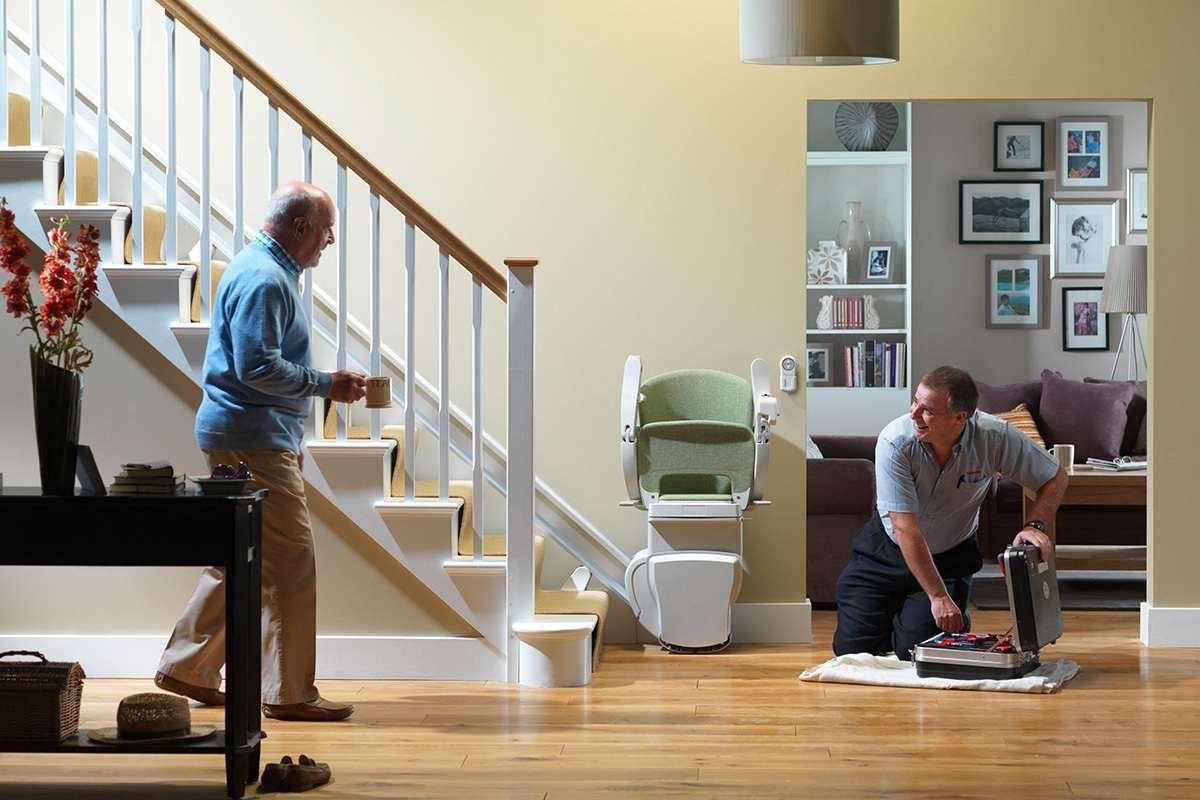
So, if your lift still has some movement, return it to the top or bottom charging area and allow it to charge.
4. Check the Rail for Obstructions
Look carefully along the entire rail. Check for:
- Clothing
- Bags
- Toys
- Household objects
- Dirt or debris
- Anything caught between the lift and the rail
Harmar specifically lists debris on the tracks as one of the basic things to check when a stair lift stops working.
Do not try to force the chair past an obstruction. Safety sensors are designed to stop the lift when something is detected in its path.
5. Check the Safety Sensors
This is especially important if the lift has power but refuses to move.
Harmar Pinnacle models use safety sensors that can prevent movement when an obstruction is detected. The SL600 manual, for example, explains that an amber indicator can mean the lift has encountered an obstruction.
On the Pinnacle HD, Harmar’s service documentation specifically instructs technicians to check the seat-swivel and footrest/obstruction safety sensors when the indicator isn’t green.
6. Look at the Indicator Light
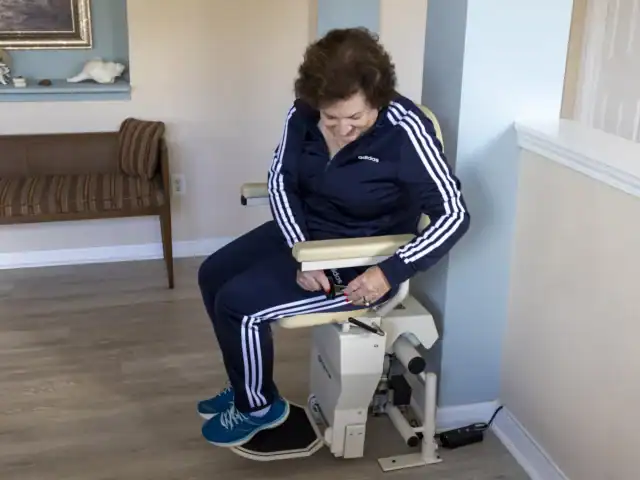
The indicator light can give you a useful clue about what’s wrong.
For the Harmar Pinnacle SL600:
- Green: Lift is ready to operate
- Amber: Obstruction detected; movement may be restricted
- Flashing amber + beep: Lift is away from a charging station
- Red: Fault that may require service
These indications come directly from Harmar’s SL600 owner documentation.
7. What Do the Beeps Mean?
Don’t ignore the beeping.
Harmar uses audible diagnostic codes on several stair-lift models. For example, the SL600 manual lists:
- 1 beep: Runaway fault
- 2 beeps: No power
- 3 beeps: Conflicting footrest switches
- 4 beeps: Conflicting obstruction switches
- 5–6 beeps: Conflicting footrest/obstruction switches
- 7–8 beeps: Conflicting stop switches
The Helix documentation also uses numbered beep codes for faults, although the exact diagnostic system depends on the model.
Count the beeps before switching the unit off. This information can be useful when speaking with your Harmar dealer or technician.
8. Try a Basic Reset
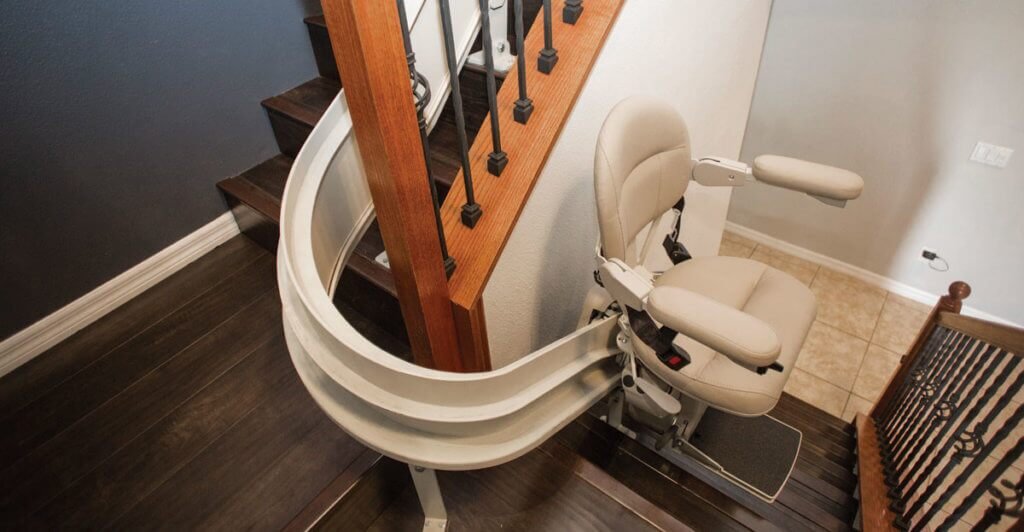
If your Harmar stair lift has a fault indicator but there is no obvious obstruction:
1. Make sure the lift is unoccupied.
2. Check that the rail is clear.
3. Check the seat and footrest position.
4. Turn the lift OFF.
5. Wait briefly.
6. Turn it ON again.
7. Check the indicator light.
Harmar’s SL600 and Helix documentation specifically recommends turning the unit off and on again as part of troubleshooting. If the red fault indication remains, Harmar recommends contacting the local dealer.
9. Harmar Stair Lift Is Beeping but Won’t Move
This can happen when the lift detects a safety condition. First check the following:
Is something blocking the lift?
→ Clear the rail and the surrounding area.
Is the seat properly locked?
→ Put it back into the correct riding position.
Is something pressing against the footrest?
→ Remove the obstruction.
Is the lift away from its charging station?
→ Return it to the charging point if possible.
Is the indicator red?
→ Turn the unit off and back on once, then wait. If the red light stays, contact a qualified service provider.
Amana Stove Not Working: Causes, Fixes and Troubleshooting Guide
10. What If Only One Direction Works?
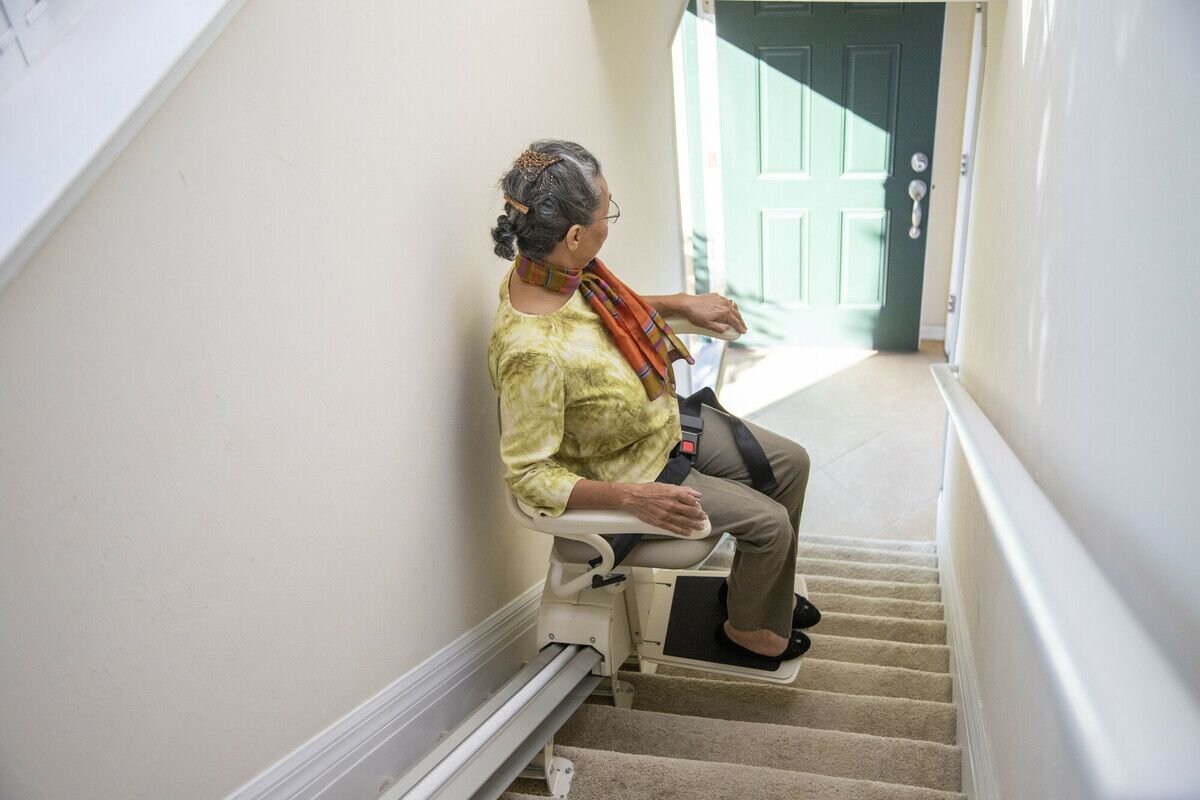
If the stair lift moves up but not down, or down but not up, don’t automatically think the motor is defective. A safety sensor might be detecting an obstruction specifically in one direction.
Harmar’s documentation says an obstruction message can limit travel in the direction that is away from where the obstruction was detected.
Check both ends of the chair, including the footrest and the rail, before you try another trip.
If the issue continues even with a completely clear rail, professional diagnosis is recommended.
11. What If The Charger Isn’t Working?
For the Harmar SL300, the owner’s manual notes that if no light appears on the charger, there may be a problem with the AC power adapter and it suggests contacting the dealer. Check:
- The power outlet
- The charger connection
- The power adapter
- The charging location
- Whether the lift is properly positioned over the charging contacts
- If the charger still shows no indication, don’t dismantle it yourself.
When Should You Call a Harmar Technician?
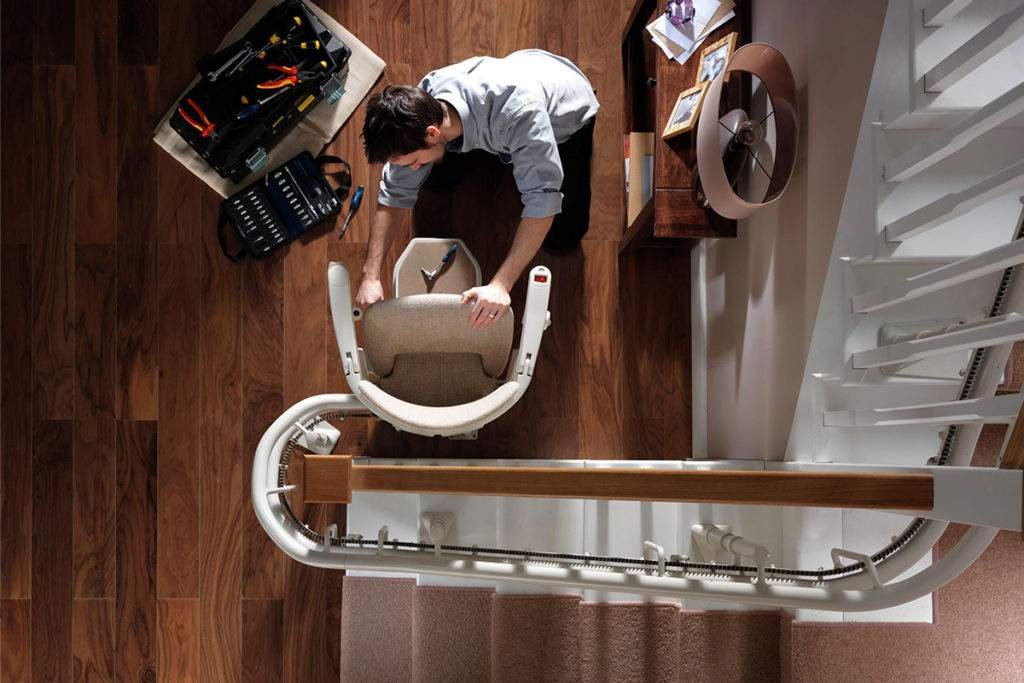
If any of these things happen, contact your Harmar dealer or a qualified technician:
- The red fault light just stays on.
- The lift keeps on stopping over and over while there’s no clear obstruction.
- The batteries won’t keep charge for long.
- The charger doesn’t seem to do anything.
- The same beep code keeps popping back up.
- The lift starts making strange mechanical sounds like it’s grinding or clicking.
- The lift moves in a weird, inconsistent way.
- A safety sensor appears to be acting faulty.
- There has been electrical damage or physical damage, even if it looks minor.
Harmar also recommends regular professional maintenance, and in general says an annual inspection is appropriate for stair lifts. That said, you may need more frequent checks if the equipment is used heavily or if issues start to show up.
Harmar Stair Lift Customer Support
Harmar Customer Service: +1 (888) 766-4558
Hours: Monday–Friday, 8 AM–7 PM EST.
Technical Support: +1 (800) 833-0478. Harmar’s manuals list this number for technical assistance.
For a stair lift that has stopped working, the dealer locator is particularly useful, because Harmar says its authorized dealers are trained to install and service its products.
Note: Harmar’s official pages currently show +1 (888) 766-4558 as customer service and +1 (800) 833-0478 for technical/dealer-related support, so it’s better to list both rather than using an older number found on third-party websites.