MoviesAnywhere.com Activation: Movies Anywhere is a free movie library service that pulls your eligible digital movie purchases into one place. So if you bought one film on Amazon and another on Apple TV, they can both show up in the same Movies Anywhere collection. The service does not sell the movie itself. It links the accounts you already use and keeps your eligible movies together in one synced library.
The current official retailer list includes Apple iTunes, Amazon Prime Video, Fandango at Home, Google Play/YouTube, Xfinity, Verizon Fios TV, and DIRECTV. Movies Anywhere also works with movies from participating studios, and that list can change over time. The service says it brings eligible movies from connected accounts into one collection and makes them available across those connected accounts.
Tracfone Activation Guide: New Devices, BYOP, and Number Transfers Explained
One important thing is that not every movie counts. Rentals do not transfer into Movies Anywhere, and some titles may not be eligible at all. So if a movie does not appear, the problem is often that the title is not supported rather than something being broken.
How to Set it up
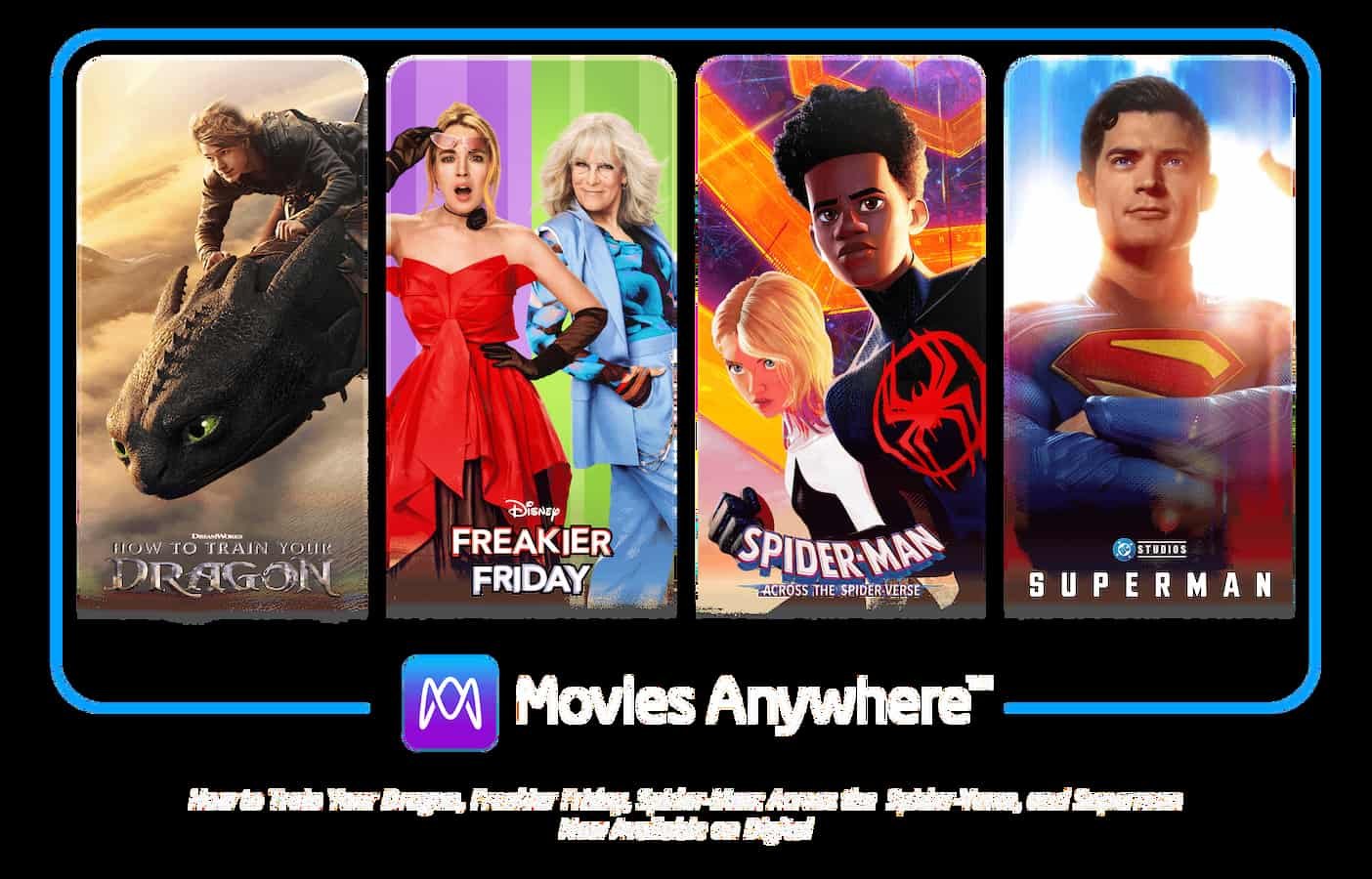
- Make a Movies Anywhere account.
- Then check your email and finish the sign-up step.
- Go into your account and connect the retailers where you already bought movies.
- Movies Anywhere says you can connect your digital retailer accounts and it will handle the syncing for the eligible titles.
When you link a retailer, you sign in with that service and allow Movies Anywhere to read the movie data from that account. The official help pages say you can also disconnect and reconnect a retailer later if needed. That is useful when a library is not updating the way it should.
After the accounts are linked, download the Movies Anywhere app on a supported device. The app is available in the Apple App Store, Google Play Store, Roku Channel Store, Amazon Appstore, and LG TV store. On TV-connected devices, you open the app, choose Sign In, and use the code or sign-in method shown on screen.
Movies Anywhere also lets you redeem digital codes from DVD or Blu-ray inserts, emails, and similar places. Once the code is redeemed, the movie is added to your collection. That means your library can grow from old purchases too, not only from new app-linked buys.
Platforms You Can Link at moviesanywhere.com/activate
| Platform | Device Compatibility | Notes |
|---|---|---|
| Amazon Prime Video | iOS, Android, Fire TV, web | Links purchased Amazon movies — Prime-included titles don’t transfer |
| Apple TV (iTunes) | iOS, Mac, Apple TV, web | Must sign in with Apple ID during linking |
| Google Play Movies | Android, Chromecast, web | Sign in with Google account; purchases transfer over |
| Vudu / Fandango at Home | iOS, Android, smart TVs, web | One of the original Movies Anywhere partners with broad title support |
| Microsoft Movies & TV | Xbox, Windows, web | Links purchases made through the Microsoft Store |
| Xfinity / Comcast | Xfinity X1, web | Links digital purchases made through Xfinity |
What you get after it is working
After setup your library is in one place, and you can watch on supported phones, computers, and TV-connected devices. The service also supports offline viewing on mobile devices, so you can download movies and watch them later without internet. The terms also say eligible movies can be downloaded to up to eight permitted devices for offline use.
4K UHD and HDR
Some titles are available in 4K UHD and HDR on supported devices. So if the movie and device both support better quality, Movies Anywhere can play it that way. The service also says images and stream quality can depend on the device and internet connection.
Screen Pass feature
There is also a Screen Pass feature. It lets you share a movie for a limited time instead of giving it away forever. It is a small extra feature, but it is handy when you want to let someone watch a movie you liked.
How To Activate Cooking Channel TV On Roku, Firestick, Smart TV, Apple TV
What to do when Movies do not Sync?
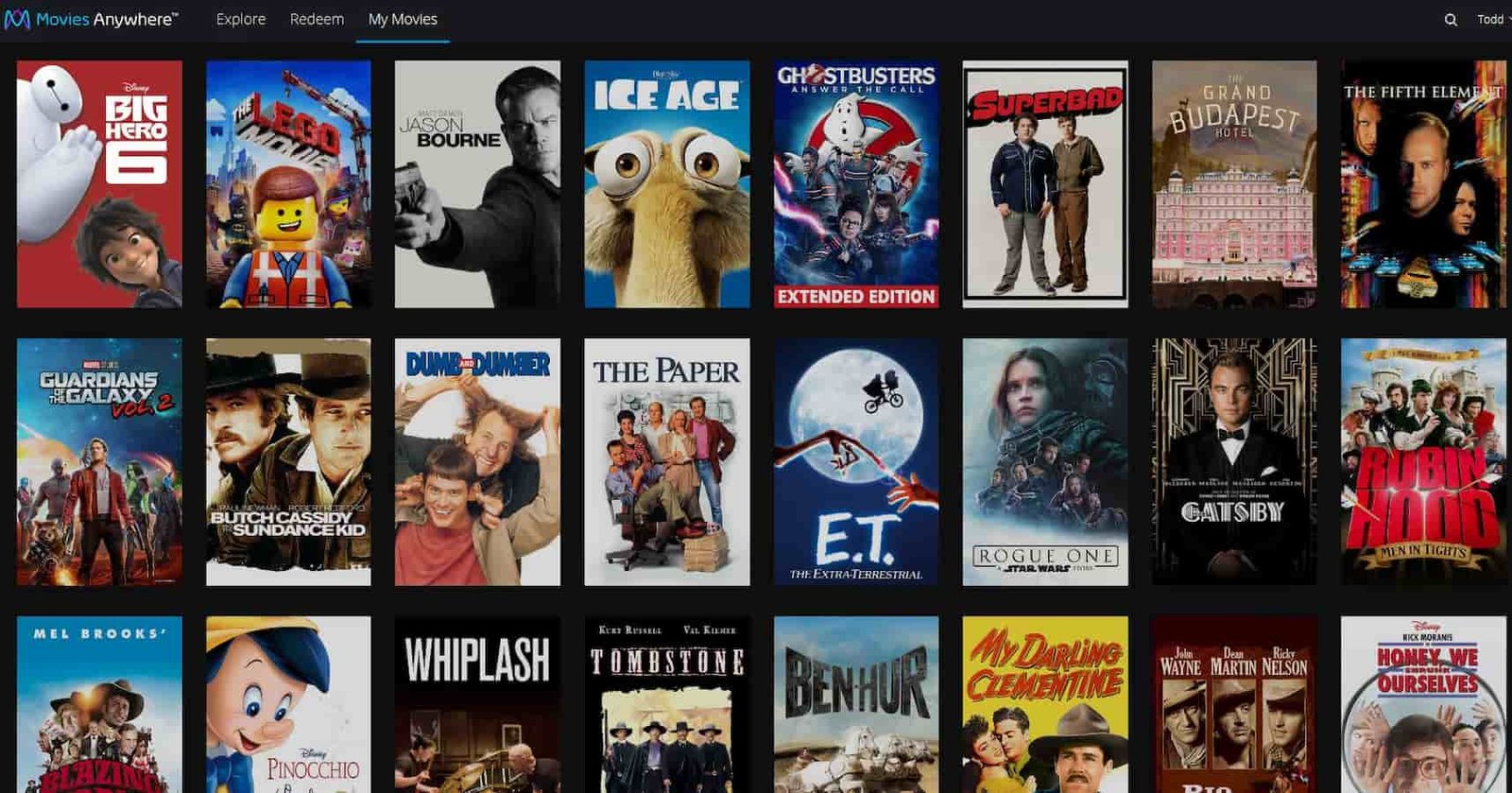
If a movie is missing, wait a little first because syncing can take time. Then check that you are signed into the correct Movies Anywhere account. The official help page also says to disconnect the retailer and connect it again. That often fixes a bad sync.
If the movie still does not show up, search Movies Anywhere to see whether the title is actually eligible. The missing-title help page says to confirm the movie is available in Movies Anywhere before assuming something is wrong. If the title is not eligible, it will never appear in the shared library.
How To Activate USA Network On Roku, Firestick, Smart TV, Apple TV
If the app acts weird after setup, deleting and reinstalling the app can help. Since the library lives in the cloud, reinstalling the app does not erase your movies. It just gives the app a clean start.