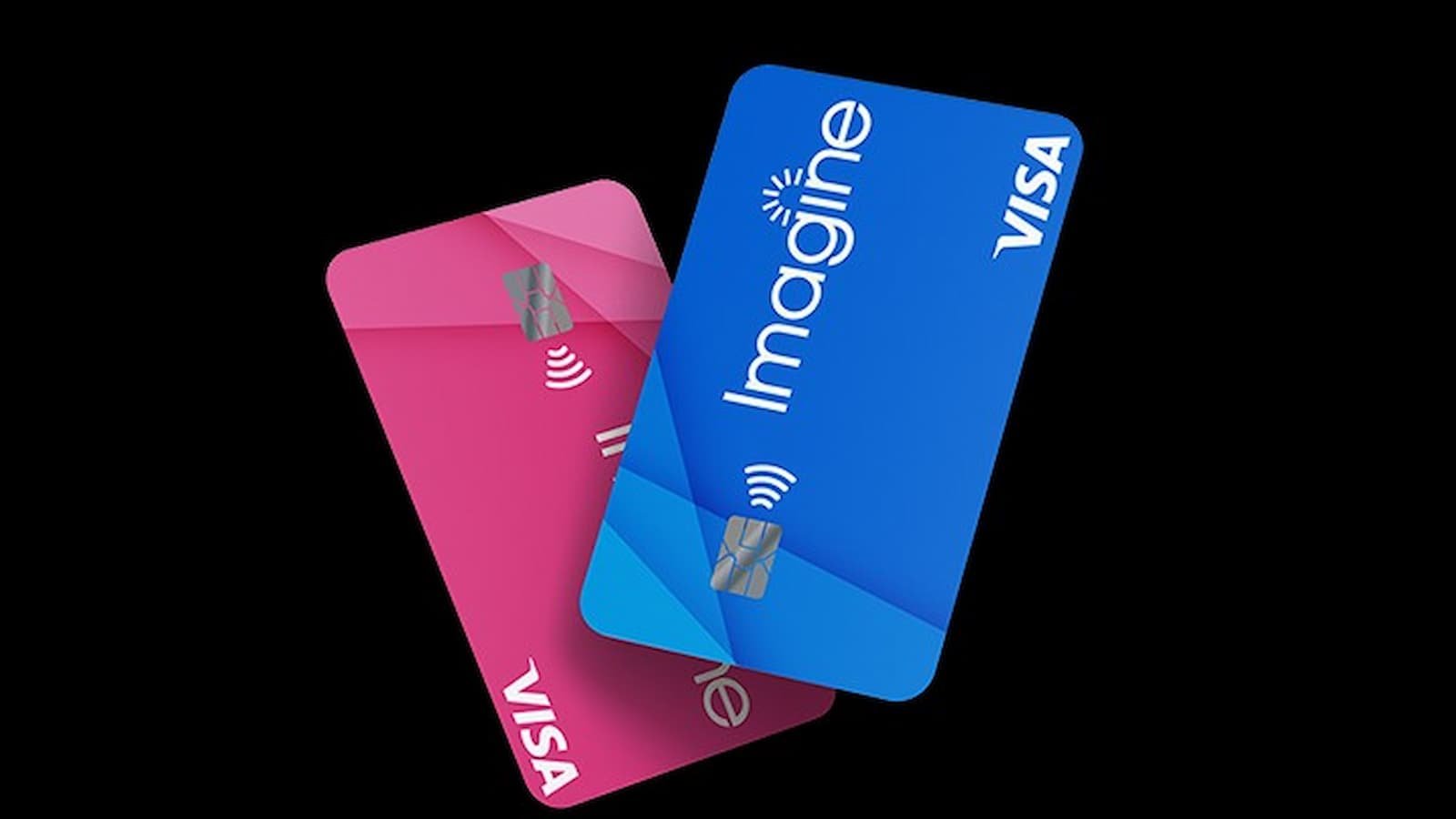
Imagine Credit Card Login Guide: The Imagine Credit Card online account is the main place to check balances, look at purchases, make payments, and set alerts. The Imagine Account Center app also lets cardholders manage their credit cards from one place on a phone, and it supports quick access with Fingerprint or PIN on Android and biometric or PIN-style sign-in on Apple devices. The app also shows payment activity, transaction details, and notifications, so it is meant to be the everyday control room for the card.
The card itself is part of Atlanticus’s credit-card line, and Atlanticus says Imagine Visa is one of the products it offers through its lending partners. Atlanticus also says Imagine Credit is issued by WebBank. That means the card and the online account work together, but the online login is the part users need for day-to-day account work.
What Credit Score Do You Need to Buy a Car? A Guide for Buyers With Bad Credit
How to Sign in and Register
First-time users usually need to register before they can log in. The sign-up step asks for the card number and personal details so the account can be matched to the right cardholder. After that, the user creates a username and password. The login page may show options such as “Log In” or “Sign In”, while new users may see “Register” or “Create Account”.
Once the account is open, the basic flow is simple.
- Open the official site,
- Enter the username and password, and
- Finish any extra security check if it appears.
- The app store listing for Imagine Account Center shows that the account can also be protected with fingerprint or PIN sign-in, which is a handy extra lock for phone users.
What you can do after Login?
Inside the account, users can check their balance, see recent transactions, review payment activity, and download statements. The app store listing also says the app gives notifications and more account tools in one place. On Android, it even includes free credit score monitoring through VantageScore 3.0, which makes the app a little helper goblin for keeping tabs on your card life.
The account tools are meant for everyday tasks too. That includes making payments, setting reminders, and keeping an eye on account activity. Atlanticus says its products are built to help people handle day-to-day expenses and to give them flexible tools through banks and partners.
Account Features
| Feature | What It Does | Why It Matters |
|---|---|---|
| Transaction history | Shows every charge and payment on the account in order | Catches unauthorized charges early; helps track spending patterns |
| Online payments | Pay your balance from a linked bank account | Faster than mailing a check; avoids late fees when done before the due date |
| Autopay | Schedules automatic monthly payments | Eliminates the risk of forgetting a payment and damaging your credit score |
| Statement access | Download monthly statements as PDFs | Useful for loan applications, taxes, and year-end spending review |
| Account alerts | Sends text or email notifications for key account events | Notifies you of potential fraud, upcoming due dates, and large transactions |
| Rewards tracking | Shows your accumulated points or cash back and redemption options | Helps you use rewards before they expire and choose the best redemption value |
| Credit limit display | Shows your current balance and available credit | Useful for monitoring your credit utilization ratio |
Login Problems
Forgot your username
If you cannot remember your username, use the “Forgot Username” option on the login page. The site will ask you to prove who you are by checking your card number and some personal details. After that, your username will be sent to the email address saved on your account.
If that email address is no longer working, contact customer support. They can update the email on your account so the recovery message can reach you. This makes it much easier to get back in without guessing.
Second Facebook Settlement Payment Could Arrive Soon: Who Qualifies and How Much You Can Get?
Forgot your password
If the password is gone from your memory, click “Forgot Password” on the login page. Then type in your username and follow the identity check. A password reset link will be sent to your registered email address.
Open that link right away and create a new password. These reset links do not last very long, usually only 15 to 30 minutes. It is better to use it as soon as it arrives so it does not expire before you finish.
Account locked or site not working
Too many wrong login tries can lock your account for a short time. In many cases, the lock goes away on its own after 15 to 30 minutes. After that, try again slowly and carefully.
If the account still stays locked, call the number on the back of your card. A customer service agent can unlock it and help you reset the password as well if you need the help. Do not keep trying random passwords while the account is locked, because that can make the lock last longer.
Sometimes the website itself may not open properly.
- If that happens, try another browser such as Chrome, Firefox, or Safari.
- If that still does not help, then clear the browser cache and cookies.
- On a work or school network, a firewall may block the page, so switching to mobile data can help.
- If the site seems down for everyone, then wait a little and try again later.
Two-factor code not arriving
If you are waiting for a two-factor code and nothing comes through, check the phone number and email address saved in your account. If either one has changed, the code may be going to the old contact info.
When possible, log in, update your details, and turn two-factor back on. If you cannot get in at all, customer support can help verify your identity and reset access. This is usually the last step when the normal recovery path is blocked.
Security Practices Worth Building From Day One
| Security Habit | What to Do | Why It Helps |
|---|---|---|
| Strong, unique password | Use a password you don’t use on any other site; include letters, numbers, and a symbol | A breach on another site won’t expose your credit card account |
| Two-factor authentication | Enable it in account settings; choose SMS or email | Even if someone gets your password, they can’t log in without your phone or email |
| Transaction alerts | Set a threshold (e.g., any charge over $25) to trigger a text or email | You’ll know within minutes if someone makes an unauthorized charge |
| Current contact info | Keep your phone number and email address updated in your profile | Alerts and recovery emails reach you when you actually need them |
| Log out after each session | Click Sign Out before closing the browser, especially on shared devices | Prevents the next person who uses that computer from accessing your account |
| Avoid public Wi-Fi for account access | Use your home network or mobile data when logging in | Public networks can be monitored; your credentials can be intercepted |