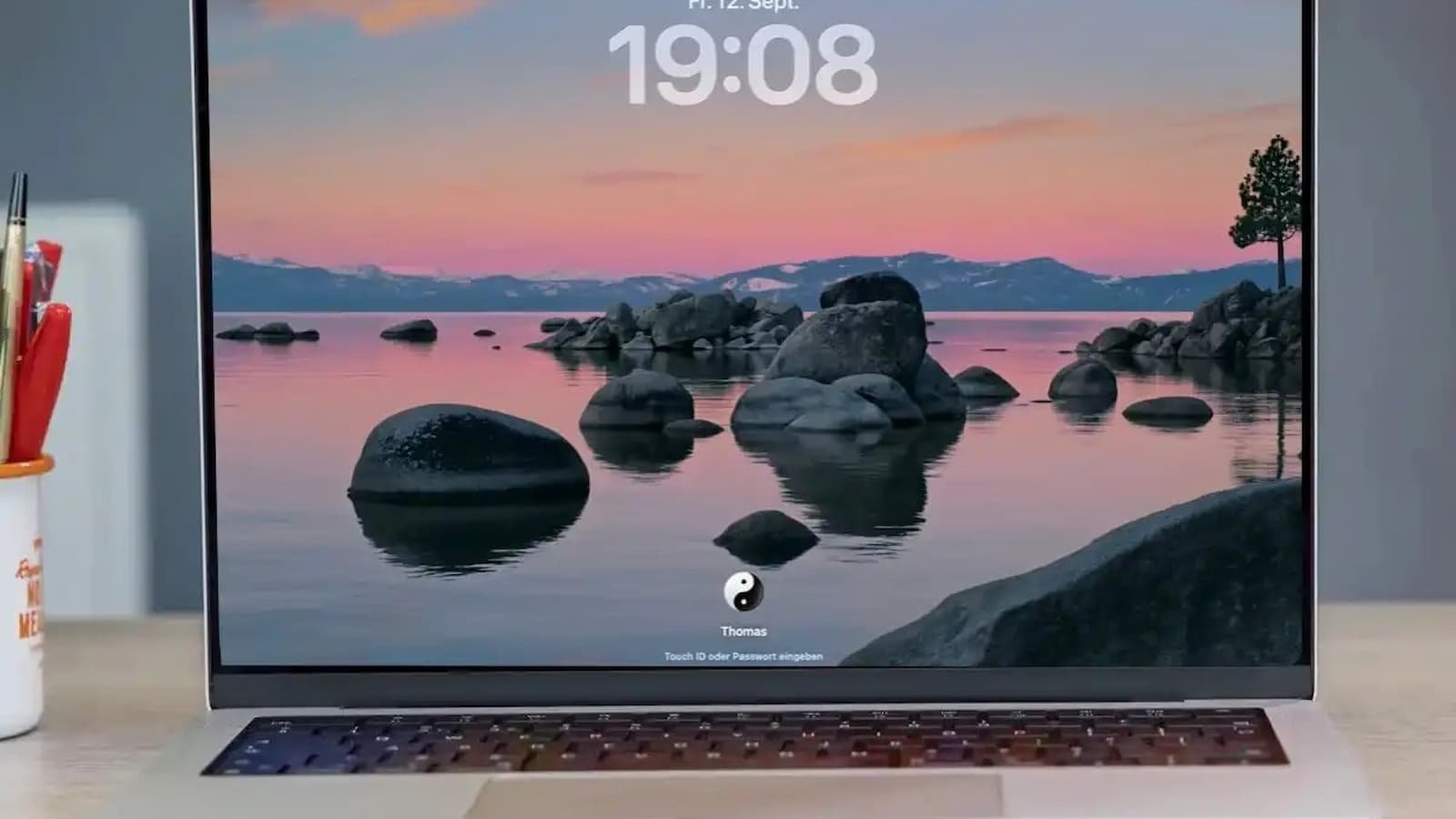
Deleted Passwords Recovery In macOS 2026: Deleting a saved password by mistake can be a real headache, especially when you do not remember the password anymore. The good thing is that Apple gives Mac users a way to bring back recently deleted passwords and passkeys.
The recovery option is available for 30 days after deletion. Once those 30 days are over, Apple says the deleted password or passkey is permanently removed. The feature is now part of Apple’s Passwords system on newer versions of macOS.
This means you do not have to panic if you accidentally removed an important saved password. You just need to check the Deleted section before the 30-day period ends.
How to Transfer a Visa Gift Card Balance to Your Bank Account and What Options You Have
How to Recover a Deleted Password on Mac
Macs running macOS Sequoia
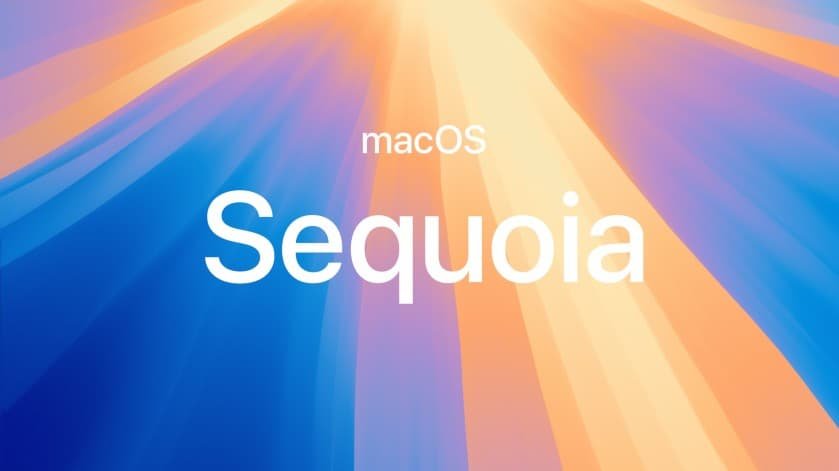
On Macs running macOS Sequoia or newer, Apple has a separate Passwords app. Open the app and sign in with Touch ID or your Mac login password. Then look at the sidebar and click Deleted.
You will see the accounts whose passwords or passkeys were recently removed. Find the account you need and select it. Then click Recover. Apple says the password or passkey will be added back to your Mac and iCloud Keychain.
Macs running macOS Sonoma
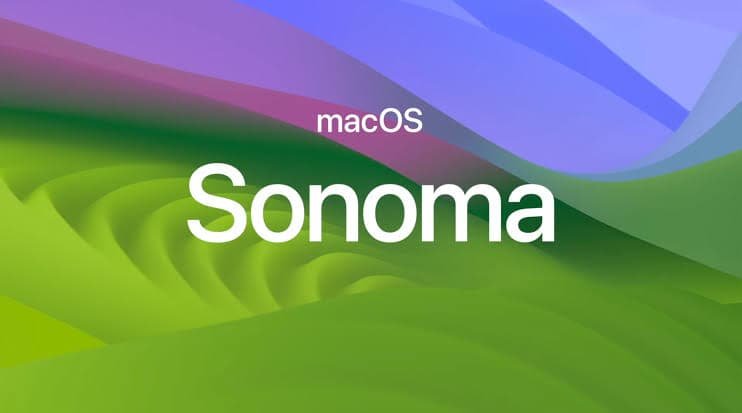
For Macs running macOS Sonoma or an earlier version, the process is a little different. Go to the Apple menu and open System Settings. Then select Passwords and authenticate using Touch ID or your Mac password. In the Passwords section, look for Recently Deleted. From there, choose the deleted account and recover the saved password.
What if you Cannot Find the Deleted Password?
There are a few reasons why the password may not appear. The most common reason is that more than 30 days have passed since it was deleted. Apple removes the password permanently after this period, so it cannot be recovered through the Deleted section.
It is also worth checking whether iCloud Keychain is turned on when you use several Apple devices. Apple says iCloud Keychain keeps passwords and passkeys updated across supported devices.
Apple Upgrade Program Explained: Cost, Eligibility And How It Works
Also, make sure you are looking at the full password list and not inside a shared password group or another section. One important correction is that the recovery feature is not limited to only macOS Sonoma. Apple’s current documentation confirms that newer Macs use the Passwords app, while macOS Sonoma and earlier versions use System Settings > Passwords > Recently Deleted.
If you accidentally delete a saved password, check the Deleted or Recently Deleted section as soon as possible. The 30-day window is the key. Once it closes, that little digital escape hatch is gone.